South Africa Bank Branch Codes – List of Universal Codes
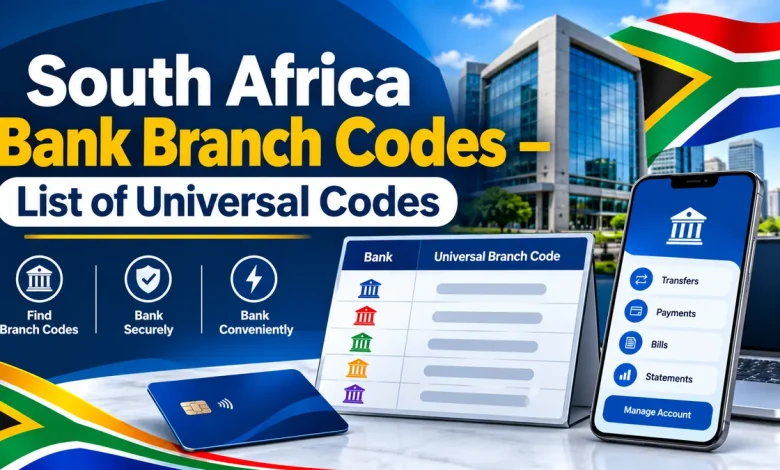
South African banks route electronic payments with a six-digit universal branch code. The number points to the bank, so you can complete an EFT or add a beneficiary without looking for one particular branch. The list below gives the universal branch codes for 17 banks, in alphabetical order. Search by bank name or by code, then tap COPY to paste the number straight into your payment form.
How to use a universal branch code
- Find your bank in the list above, or type its name in the search box.
- Copy the six-digit code and paste it into the branch code field of your payment form or banking app.
- Enter the account number and the account holder name exactly as the receiver gave them.
- Add a reference the receiver will recognise, then review every field before you confirm.
Checks before you send money
A universal branch code covers the whole bank, so the account number carries the detail that picks out the right account. Compare the code you pasted with the digits on the receiver’s bank letter or banking app. When a bank offers several account types, ask which code applies to that account, because a bank may publish a different code for a different account type. The copy button removes typing errors, which are the most common reason a transfer is returned.
Where to find your own branch code
Your own bank’s branch code is shown in your banking app, on your bank statements and on the confirmation letter the bank issues for your account. Share it with whoever is paying you, together with your account number and your full name.