Providus Bank USSD Codes: *7799# Services and Full List
Providus Bank • USSD guide
Providus Bank USSD Codes: *7799# Services and Full List
Ask ten Providus Bank customers whether the bank has a USSD code and you may get ten different answers. For years the honest reply was that Providus focused on its app and internet banking and did not run a general USSD service for everyday customers. Things have moved since then. The bank now trades as ProvidusUnity Bank, and the code that has been tied to it is *7799#. This guide explains what that code is, what you can expect to do with it, the full list of formats that go with it, and how to avoid the mistakes that cost people money.

The short version
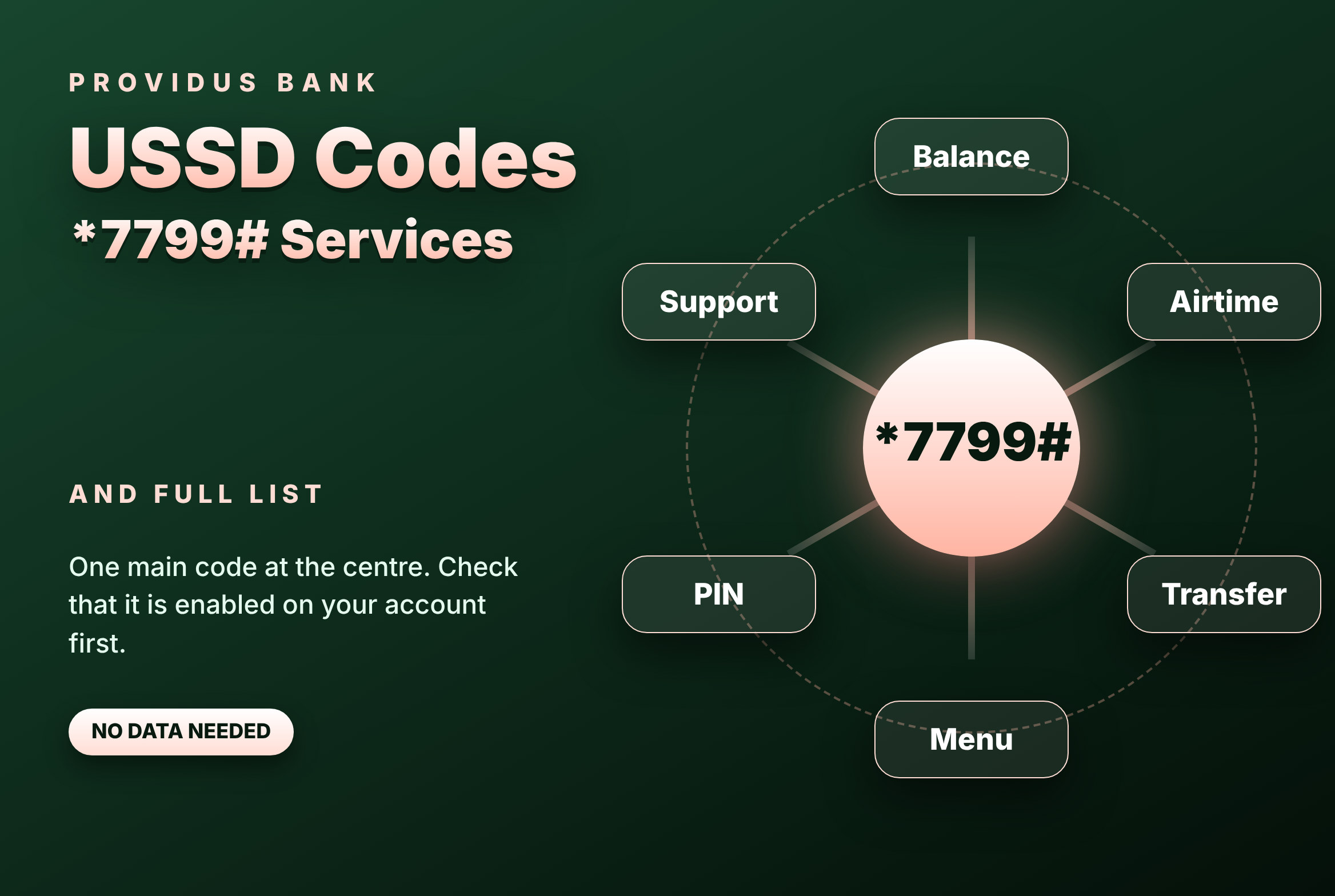
Dial *7799# from the phone number registered to your account and follow the menu. Because USSD can be switched on or off by account, confirm that it is enabled for you before you rely on it.
A fair word before you dial
Banks reorganise, merge and retire channels, and USSD is one of the channels that changes most often. The code *7799# comes from the Unity Bank side of the combined bank, so you may find that it behaves differently from what you remember if you banked with Providus alone. Some customers will see a clean menu on the first dial. Others will see nothing, or a message saying the service is not available for their number.
Neither result is a mystery. It usually means USSD has not been enabled on that account or that the phone number does not match the one the bank holds. If you hit that wall, do not keep dialling. Use the ProvidusPlus app or the bank’s contact channels, ask whether USSD is active for you and, if it is not, ask how to turn it on.
What USSD is, in plain words
USSD is a live text conversation between your phone and your bank, carried by your mobile network instead of the internet. You dial a code that starts with a star and ends with a hash, and a short menu appears. You reply with a digit and the bank answers with the next screen. The exchange continues until the job is done or the session times out.
The benefits are practical. It needs no app and no data, so it works on a basic handset and in places with a poor signal. It is tied to your registered number, which adds a layer of protection. And it is quick: most jobs take under a minute once you know the path.
What you need before you start
◆ An active ProvidusUnity or Providus account in your own name.
◆ The phone number linked to that account. The service recognises the SIM number, not the handset.
◆ A working network line with a little airtime, because each session rides on your network.
◆ A PIN or other authentication the menu asks for. Create it privately and keep it to yourself.
◆ A few quiet minutes. Rushing is how wrong numbers get typed.
How to get started in 5 steps
Check your number
Make sure the SIM you are using is the one registered with the bank.
Dial *7799#
Type it exactly, stars and hash included, then press call.
Wait for the screen
Give it a few seconds. Pressing call twice only slows things down.
Follow the prompts
The first screens may ask you to confirm details or set up an authentication step.
Try a harmless job first
Open the balance option. It moves no money and proves the service works for you.
The full list of codes and formats
The main code is *7799#. Everything else on this list is a way of reaching a specific job faster. These shortcut formats have been used with the code, but a shortcut is only as reliable as the menu behind it, so treat the main code as your anchor and the shortcuts as a convenience.
| What you want | What to dial |
|---|---|
| Open the main menu | *7799# |
| Check balance | *7799*0# |
| Airtime for yourself | *7799*Amount# |
| Airtime for another number | *7799*Phone Number*Amount# |
| Send to an account in the same bank | *7799*1*Account Number*Amount# |
| Send to an account in another bank | *7799*2*Account Number*Amount# |
| Anything else | Open *7799# and read the menu |
Capitalised words are placeholders. Replace them with real details and type the whole string without spaces. If a shortcut returns an error, go back to *7799# and use the menu, which always matches your account.
The services you can expect to reach
Balance
Check what is in your account without opening an app.
Airtime
Top up your own number or someone else’s from your account.
Transfers
Send money to another account, in the same bank or elsewhere.
Menu services
Further options can appear in the menu depending on what is enabled for your account.
Authentication
Set or confirm the PIN that approves actions.
Support routes
The menu or the bank can point you to the app or online banking for what USSD does not cover.
That last point deserves a moment. USSD is a small window, not the whole house. Statements, bulk payments, card controls and long histories belong in the app or on the internet banking site. Use the code for quick jobs and the app for the rest.
Checking your balance
Dial *7799*0# or open *7799# and choose the balance option. Depending on your set-up, the figure may appear immediately or you may be asked to authenticate first. Make it a habit before every payment, because a failed transfer wastes time and, on some networks, a session fee. Check again afterwards. Seeing the number change is the most honest confirmation you will get.
Buying airtime
For your own number, the shortcut is *7799*Amount#. For someone else, it is *7799*Phone Number*Amount#. The amount is taken from your account and the airtime arrives within moments. There is no way to pull airtime back once it is delivered, so the one check that matters is the number. Read it back before you confirm, and keep the numbers of people you top up saved under their real names so you are never typing from memory.
Sending money
To pay an account in the same bank, the format is *7799*1*Account Number*Amount#. To pay an account in a different bank, it is *7799*2*Account Number*Amount#. The pattern is the same in both: the digit for the kind of transfer, then the account number, then the amount.
The shortcut is quick, but the menu is the better teacher while you are learning. Open *7799#, choose the transfer path and let each screen ask its question in turn. The screen that shows the account name is the most important one. A transfer is a promise you cannot easily cancel, and the name on the screen is your last chance to notice a mistake.
A routine that prevents most transfer mistakes
◆ Check your balance first.
◆ Confirm the account number with the receiver in writing, not from memory.
◆ Type the amount slowly. An extra zero is an expensive typo.
◆ Read the name that appears. If it is wrong, close the session.
◆ Enter your PIN only at the final step.
◆ Keep the debit alert until the receiver confirms the credit.
Costs and limits
There are two kinds of cost to think about. Your network can bill a small amount for each USSD session, and the bank may charge a fee on certain transfers. Neither is hidden, because the confirmation screen and your alert show what was taken.
Limits are a separate question. How much you can send by USSD in a day can depend on your account type, how fully your details are verified and the kind of transaction. Do not discover your ceiling in the middle of an urgent payment. Ask the bank in advance, and if the amount you need is above the USSD limit, plan to use the app or a branch instead.
When the code does not behave
| What you see | What to try |
|---|---|
| Nothing happens | Check your signal, wait a few seconds, then dial once more |
| Service not available | Confirm that USSD is enabled on your account and that you are on the registered number |
| Invalid format | Look for spaces and missing stars or hashes, then use the main code and the menu |
| Authentication not accepted | Slow down and retype once; repeated errors can lock access |
| Session drops mid-transfer | Check balance and alert before repeating anything |
The last row matters most. When a session cuts off in the middle of a transfer, the temptation is to start again straight away. Resist it. Look at your balance and your alerts first. If the money has already left, a second attempt sends it twice.
Security, said plainly
USSD itself is hard to break, but people are easy to talk into mistakes. Fraud rarely involves hacking a code. It involves a friendly voice, an urgent message or a promise of free money. Keep a short list of rules and stick to them.
◆ Dial the code yourself. Never follow a code that arrives in a message, a call or a social post, especially one that promises you money.
◆ Your PIN and any one-time number belong only to you. A real bank officer will not ask for them.
◆ Do not hand your phone over unlocked, and keep a screen lock on.
◆ If your phone or SIM is lost, ask your network to block the SIM and tell the bank straight away.
◆ If a transaction appears that you did not make, report it at once and keep your alerts as evidence.
◆ Be wary of anyone who rushes you. Pressure is the fraudster’s favourite tool.
USSD, the app or the branch?
They are tools with different strengths. USSD is best when you have no data, a basic phone or a quick job. The app is best for history, richer features and a bigger screen. The branch is best for anything that needs a person, such as changing the number on your account or raising limits. Sensible customers keep all three in reach.
A worked example: paying a supplier
Imagine you are in a market with no data and a supplier needs payment today. You dial *7799*0# and see that the money is there. You open *7799# and choose the transfer path for another bank, because the supplier banks elsewhere. You type the account number the supplier gave you in writing, then the amount. The supplier’s name appears and you match it. You enter your PIN. A moment later you have a debit alert and the supplier has a credit alert. You keep yours as proof, and the whole job took less time than the trip to a branch.
A worked example: airtime for a relative
A cousin at school has run out of airtime and cannot call home. You dial the airtime format with their number and the amount, read the number back against your contacts and confirm. The airtime arrives in seconds and your balance falls by the same amount. Since airtime cannot be recalled, the short pause before you confirm is the entire safety system.
Mistakes that cost people money
| Mistake | Why it hurts | Better habit |
|---|---|---|
| Typing spaces inside the code | The network rejects or misreads it | Type it as one unbroken string |
| Using a different SIM | The bank does not recognise you | Use only the registered number |
| Skipping the name screen | Money goes to the wrong person | Read the name every time |
| Repeating a dropped transfer at once | You may pay twice | Check balance and alert first |
| Acting under pressure | Fraudsters rely on hurry | Pause and verify |
Planning a larger payment
Small payments forgive small mistakes. Large ones do not. Before a big transfer, confirm the account number and bank with the receiver, check your balance and your limit, and consider sending a small test amount first. Wait for the receiver to confirm it, then send the rest. It costs a few extra minutes and removes almost all of the risk.
For traders and small business owners
If your customers pay by transfer, the code is a quiet advantage. When a buyer says they have paid, check your balance by USSD before you release goods. It takes seconds and needs no data. Never accept a screenshot as proof of payment. Trust your balance and your credit alert, and at the end of each day compare your alerts with your notebook so any gap is caught the same evening.
Questions people often ask
Does Providus have its own separate USSD code? Historically it did not offer a general one. The code that has been tied to the combined bank is *7799#, so confirm with the bank that it works on your account.
Do I need data? No. USSD runs on your mobile network.
Will it work on a basic phone? Yes, as long as the SIM is the registered one.
What if I change my SIM? Keep the same number and ask the bank if the service stops responding.
What if a shortcut stops working? Dial *7799# alone and use the menu.
Can I use it abroad? That depends on your network and roaming arrangement, so check with your provider before you travel.
A short routine to remember
◆ Dial *7799# from your own number.
◆ Check your balance.
◆ Choose the job: transfer, airtime or another option.
◆ Read every name and amount on the screen.
◆ Enter your PIN only at the last step.
◆ Keep the alert.
Save *7799# as “Providus USSD”, then dial it once while you have data, so you know it works before you need it.