MTN Data Plans and Prices in Nigeria: Daily, Weekly and Monthly Bundles
MTN Nigeria offers different data plans for customers who need internet access for browsing, social media, video streaming, online classes, downloads, gaming, and business activities. The available options include daily, two-day, weekly, monthly, two-month, three-month, and yearly data bundles. Choosing the right plan depends on how much data you use, how long you need it to last, and how much you want to spend.
If you are searching for MTN data plans in Nigeria, this guide explains the available bundles, their prices and validity periods, how to subscribe, how to check your balance, and how to choose a plan that suits your needs. It also covers night data, social media bundles, and what to do when an MTN data subscription fails.
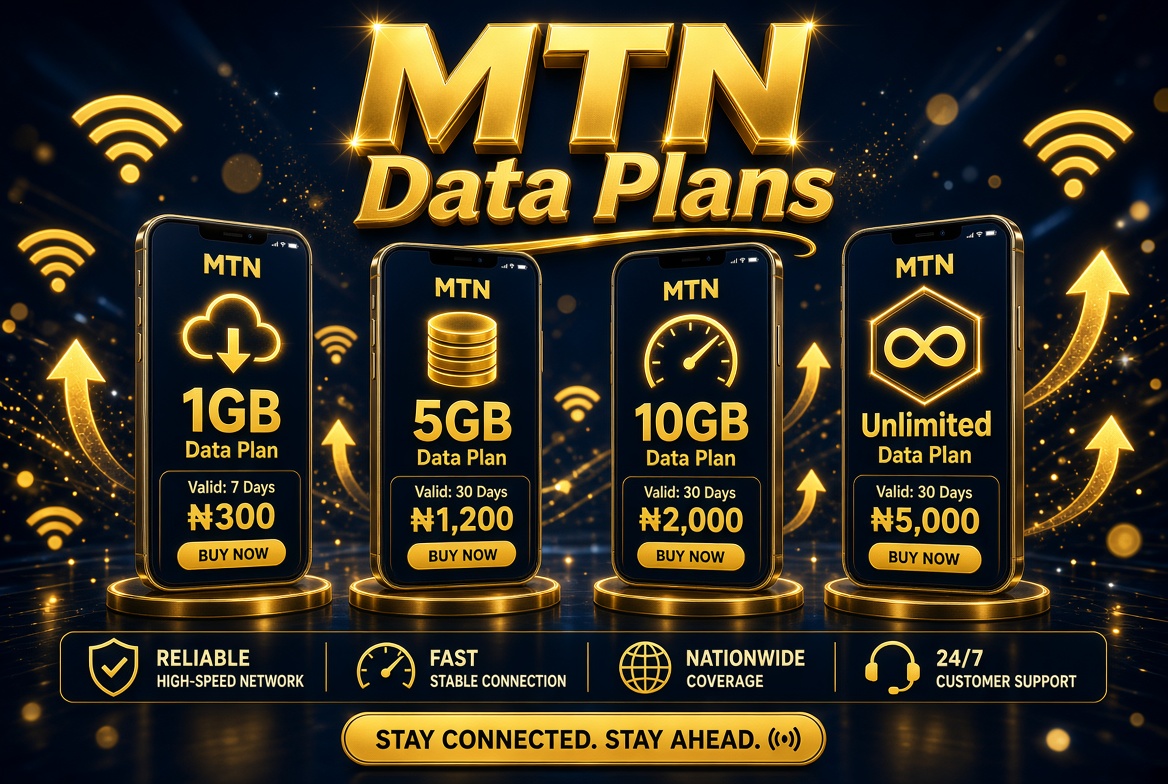
MTN Data Plans and Prices in Nigeria: Daily, Weekly and Monthly Bundles
What Is an MTN Data Plan?
An MTN data plan is a prepaid or eligible subscription package that gives you a specified amount of mobile internet data for a particular period. Depending on the plan, the allowance may last for one day, several days, one month, or longer.
For example, a daily plan may be suitable when you only need internet access for a short period, while a monthly bundle may be more convenient if you browse regularly throughout the month. Larger bundles can suit people who stream videos, download files, attend online meetings, or use their phones as hotspots.
MTN also offers specialised bundles for activities such as social media and other digital services. These packages may have restrictions on which applications or services can use the allowance. Always check the bundle description before subscribing.
What Is the Code for Buying MTN Data?
The main USSD code for accessing MTN Nigeria data plans is:
*312#
To use it, open your phone’s dialler, enter *312#, and press the call button using your MTN SIM. Follow the menu prompts to select a data bundle, review its price, and complete the subscription.
MTN also lists *312*1# and *904# among the routes for accessing data subscription options. The available menu and offers may vary according to your line and current promotions.
If you prefer not to use USSD, you can subscribe through the official myMTN app or other supported MTN channels. Before confirming a purchase, ensure that the plan name, data allowance, price, and validity period match what you want.
MTN Data Plans and Prices in Nigeria
MTN has data bundles for different budgets and usage patterns. The following examples are drawn from MTN Nigeria’s published data-plan listings. They are useful starting points, but offers and prices can change. Check the current menu before making payment.
| Data bundle | Price | Validity |
|---|---|---|
| 75MB | ₦75 | 24 hours |
| 110MB | ₦100 | 24 hours |
| 230MB | ₦200 | 24 hours |
| 500MB | ₦350 | 24 hours |
| 1GB Smart Bundle | ₦200 | 24 hours |
| 2.5GB | ₦750 | 24 hours |
| 3.5GB | ₦1,000 | 24 hours |
| 1.5GB | ₦600 | 2 days |
| 2GB | ₦750 | 2 days |
| 2.5GB | ₦900 | 2 days |
| 7GB | ₦3,500 | 30 days |
| 12.5GB | ₦5,500 | 30 days |
| 150GB | ₦40,000 | 60 days |
| 480GB | ₦90,000 | 90 days |
| 800GB | ₦125,000 | 365 days |
Not every offer is available to every subscriber. Some plans may be restricted to particular customer categories, devices, or subscription channels. The price shown in your current MTN menu or official purchase channel should take priority over an older list.
MTN Daily Data Plans
Daily data plans are designed for subscribers who need internet access for a short period. They can be useful when you want to check messages, browse websites, use social media, or complete an online task without committing to a longer subscription.
MTN’s published offers include small bundles such as 75MB for ₦75 and 110MB for ₦100, as well as larger daily packages such as 500MB for ₦350 and 2.5GB for ₦750. Other offers may be available depending on the current plan catalogue and eligibility of your line.
A daily plan may not be the cheapest option if you need internet access every day. If you repeatedly purchase short-validity bundles, compare their combined cost with the price of a weekly or monthly plan.
MTN Weekly Data Plans
Weekly data plans are suitable for people who need internet access over several days but do not want to buy a monthly bundle. They may work well for short trips, temporary projects, students, or subscribers whose data usage changes from week to week.
MTN’s available weekly offers can include different data allowances and may include special packages for eligible customers. For example, the official data-plan listing has featured a 15GB weekly bundle priced at ₦4,000 for prepaid customers. Availability and eligibility should be checked before purchasing.
When comparing weekly plans, consider the amount of data you receive, the number of days it remains valid, and whether any bonus allowance has separate usage conditions. A larger bundle is not automatically better if you cannot use the data before it expires.
MTN Monthly Data Plans
Monthly bundles are a practical choice for people who use mobile internet regularly. Instead of renewing a daily or weekly plan repeatedly, you purchase an allowance intended to last for a longer period.
Examples in MTN’s published data-plan catalogue include a 7GB bundle for ₦3,500 and a 12.5GB bundle for ₦5,500, each with a stated validity of 30 days. Other monthly offers may provide additional benefits, such as selected video allowances, night data, or minutes.
Choose a monthly plan by estimating your normal consumption. If you mainly send messages and read websites, you may not need the same allowance as someone who watches high-resolution videos or downloads large files. Check your previous data usage if your phone provides that information.
MTN Long-Validity Data Plans
Subscribers who want to avoid frequent renewals can consider MTN’s longer-validity bundles. These may include two-month, three-month, and yearly packages.
MTN’s published listings have included a 150GB plan for ₦40,000 with 60-day validity, a 480GB plan for ₦90,000 with 90-day validity, and an 800GB plan for ₦125,000 with 365-day validity. These larger packages may suit people with substantial data requirements, subject to current availability.
Before choosing a long-validity bundle, estimate how much data you can realistically consume during its active period. Also confirm whether the plan is available for your device and subscription type. A large allowance can offer convenience, but only if it matches your actual internet usage and budget.
MTN Night Data and Special Bundles
Some MTN offers include allowances for specific usage periods or activities. For example, certain bundles provide night data, while others include extra allowances for selected video or social applications.
These benefits are not necessarily interchangeable with the main data allowance. A night allowance may only work during specified hours, and an application-specific bundle may only cover eligible services. Read the offer’s conditions to understand when and where each allowance can be used.
If you regularly download large files or stream videos, a specialised package may be useful. However, compare its restrictions with a regular data plan before purchasing. A standard bundle may offer greater flexibility if you use many different websites and applications.
How to Subscribe to an MTN Data Plan
You can purchase an MTN data plan through USSD or the official app. The USSD method is useful when you want to subscribe directly from your phone without opening an internet-based service.
- Open your phone’s dialler.
- Dial *312# using your MTN line.
- Choose the option for data bundles or internet plans.
- Browse the available packages.
- Select the plan you want to purchase.
- Check the price, allowance, and validity period.
- Confirm the subscription as instructed.
- Wait for a confirmation message before using the bundle.
You can also open the myMTN app, sign in, navigate to the data section, select an available plan, and complete the purchase. The precise layout may change when the app is updated.
Ensure that you have sufficient airtime or the payment method required by the selected channel. If the purchase is unsuccessful, check your balance and transaction status before attempting it again.
How to Check Your MTN Data Balance
Checking your balance helps you know how much data remains and whether you need to renew your subscription. MTN provides data-balance services through USSD, SMS, and the myMTN app.
- USSD: Dial *323*4# for the applicable data-balance service.
- SMS: Text 2 to 323.
- myMTN app: Open the app and check the data balance displayed for your line.
Follow the response provided by MTN, as balance-checking menus and service instructions can change. If you have multiple active bundles, examine the details of each allowance and its expiry date.
How to Choose the Best MTN Data Plan
The best MTN data plan is the one that matches your budget, usage, and required validity period. Consider these factors before subscribing.
1. Your Daily Internet Usage
Light users may need only a small daily allowance, while frequent video viewers and people who download files may require several gigabytes. Check your phone’s data-usage settings to estimate how much you consume.
2. Your Budget
Decide how much you can comfortably spend on mobile internet. Compare the total cost of repeatedly purchasing short plans with the price of a weekly or monthly package.
3. Validity Period
Choose a plan that lasts as long as you need it. A cheap daily bundle may be inconvenient if you need internet access throughout the month, while a yearly bundle may not be suitable if your needs are temporary.
4. Special Conditions
Check whether the plan includes night data, social media data, video allowances, or other benefits. Understand the restrictions before relying on a special allowance for everyday browsing.
5. Network Coverage
Data allowance is only one part of the experience. Your internet speed and reliability depend on factors such as coverage, network congestion, device compatibility, and location. Confirm that MTN provides usable coverage where you intend to browse.
Why Is My MTN Data Subscription Not Working?
If your data purchase fails or the internet does not work after subscribing, check the following possibilities:
- Insufficient airtime: Confirm that you have enough funds for the selected bundle.
- Failed transaction: Check whether MTN sent a confirmation message and whether the bundle was activated.
- Data allowance exhausted: Check your balance to see whether the available data has been used.
- Mobile data disabled: Ensure mobile data is switched on in your phone’s settings.
- Network problems: Move to an area with better reception or try again after a short wait.
- Incorrect network settings: Check that your phone’s mobile network settings are configured correctly.
- Expired bundle: Confirm that the validity period has not ended.
If the issue persists, contact MTN customer care by dialling 300 from an MTN line. You can also use MTN’s official support channels to request assistance with an unsuccessful subscription.
Frequently Asked Questions About MTN Data Plans
What is the code for MTN data plans in Nigeria?
Dial *312# to access MTN’s data-plan menu and follow the instructions to select a bundle.
Which MTN data plan is best for one month?
The best monthly plan depends on your usage and budget. Compare the available 30-day bundles, their data allowances, and any additional conditions before subscribing.
Can I buy MTN data through an app?
Yes. You can use the official myMTN app to view available bundles and purchase an eligible plan.
Do MTN data plans expire?
Yes. Each bundle has a specified validity period. Check the plan details and confirmation message to know when your data expires.
Are all MTN data plans available to every customer?
No. Some offers may be restricted by customer type, device, or other eligibility conditions. The options displayed through an official MTN channel are the best guide to what your line can purchase.
Conclusion
MTN Nigeria offers data plans for different budgets and internet needs, ranging from small daily bundles to larger packages with monthly, quarterly, and yearly validity. The right option depends on your usage, preferred subscription period, and the amount you are willing to spend.
To get started, dial *312#, review the available bundles, and select the plan that fits your needs. Check the current price, data allowance, and validity period before confirming your purchase, because MTN’s offers can change. You can also use the myMTN app to manage your data subscriptions and check your balance.