USSD Banking *966#
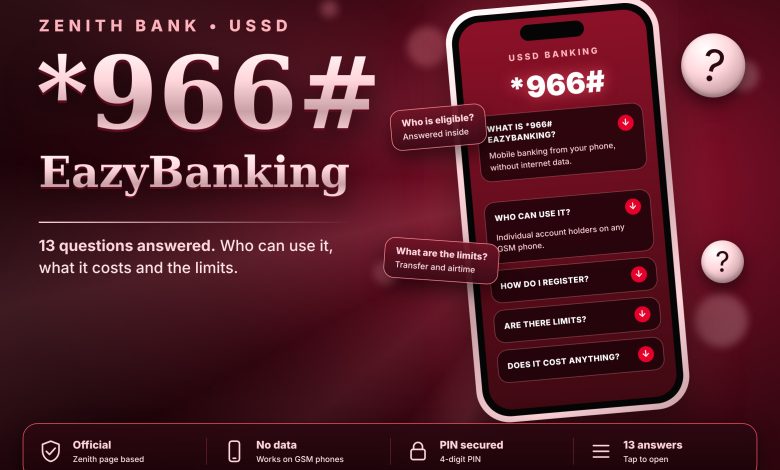
Zenith Bank • USSD Banking
USSD Banking *966#
The Zenith Bank USSD code provides a convenient way to access selected banking services directly from your mobile phone. It is useful when you need to access banking services without opening a mobile banking app or using mobile internet data. Whether you are at home, at work or travelling, you can use the service wherever your mobile network is available.
OFFICIAL BANKING SHORTCODE
*966#
Dial this code using the phone number registered to your Zenith Bank account and follow the instructions displayed on your screen.
What Is the Zenith Bank USSD Code?
Zenith Bank’s USSD banking service is known as EazyBanking. It allows eligible customers to access supported banking functions through a short code on their mobile phones. Unlike internet banking, the service does not require a mobile data connection to open an app or website.
USSD banking is particularly helpful for customers who use basic mobile phones, have limited internet access or want a straightforward way to reach their bank’s available services. You only need a compatible mobile phone, an active mobile network connection and the phone number associated with your account.
How to Use Zenith Bank USSD Banking
GET STARTED IN FOUR STEPS
Step 1: Use your registered mobile number.
Make sure the SIM card in your phone is the number linked to your Zenith Bank account.
Step 2: Open your phone’s dialler.
Enter *966# and initiate the USSD session.
Step 3: Follow the displayed instructions.
Read the options on your screen and select the service you need.
Step 4: Confirm your request carefully.
Before approving a transaction, review the details displayed to ensure they are correct.
Does the Code Work Without Internet Data?
Yes. Zenith Bank’s USSD banking service is designed to work without mobile internet data. This means you can access the service even when you have no active data subscription, provided your mobile network connection is working.
However, the service is not completely independent of your network provider. Poor signal strength, temporary network interruptions or banking service downtime can prevent a session from opening or completing successfully. If this happens, check your network connection and try again after a short wait.
What Should You Do If *966# Does Not Work?
If the code fails to respond, first confirm that you entered it correctly and are using the mobile number registered with your bank account. Check that your SIM card is active and has a working network connection. You can also restart your phone or try again later if the network appears unstable.
If the problem continues, your USSD registration or account status may require attention. Contact Zenith Bank through a verified customer-support channel for guidance. Avoid sharing your PIN, password or one-time authentication codes with anyone who claims they can activate the service for you.
Stay Safe When Using USSD Banking
- Keep your banking PIN confidential.
- Never approve a transaction you did not initiate.
- Check the details on your screen before confirming a payment.
- Protect the SIM card linked to your bank account.
- Report suspicious activity or a stolen phone to your bank promptly.
Frequently Asked Question
Zenith Bank USSD Code: *966#
Access supported banking services directly from your phone without mobile internet data.